Creating a clutter-free home office space can significantly improve your productivity, focus, and overall well-being. Whether you work from home full-time or occasionally need a dedicated workspace, organizing your office can reduce stress and make your day more efficient. Here are some practical tips to help you design and maintain a neat, tidy, and comfortable home office.
Why a Clutter-Free Home Office Matters
A cluttered workspace can distract you and make it challenging to find what you need. On the other hand, an organized area helps you stay focused, manage time better, and feel more motivated. Creating a clutter-free environment supports better workflow and can make your workday more enjoyable.
Step 1: Declutter and Sort
Before organizing, it’s essential to clear out everything and decide what you truly need.
Sort Your Items Into Categories
– Keep: Items you use regularly or that are essential to your work.
– Donate or Sell: Items in good condition but no longer needed.
– Recycle: Papers and materials you don’t need and can recycle.
– Trash: Broken or unusable items.
Tips for Decluttering Papers
– Scan important documents and save them digitally.
– Use a shredder for papers containing sensitive information.
– Limit your paper piles to a small, manageable amount.
Step 2: Choose the Right Furniture
Selecting functional furniture tailored to your needs can make a big difference.
Desk
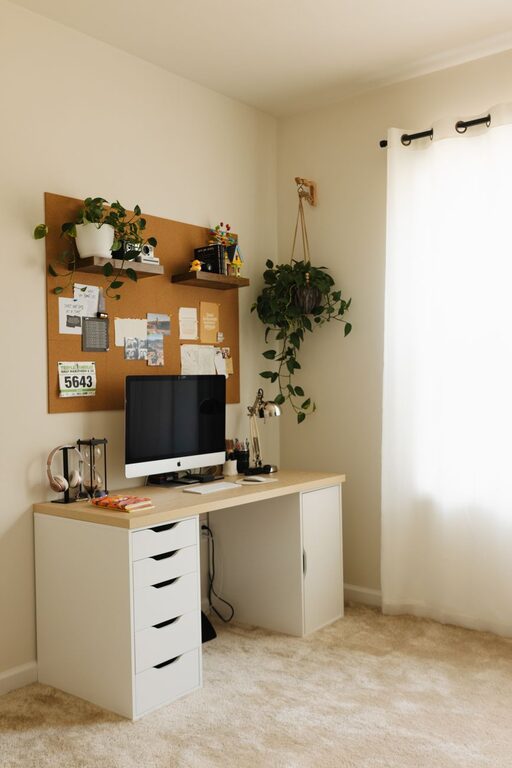
– Opt for a desk with enough surface area to hold your computer, notebooks, and other essentials.
– Consider desks with built-in drawers for added storage.
Chair
– Invest in an ergonomic chair to support your posture during long work hours.
Storage Solutions
– Use shelves, filing cabinets, or storage boxes to keep items organized and out of sight.
– Floating shelves can help save floor space.
Step 3: Create Designated Zones
Dividing your office into zones improves workflow and minimizes distractions.
Work Zone
– Contains your computer, writing materials, and immediate tools you use daily.
Storage Zone
– For files, office supplies, and equipment you don’t use as often.
Inspiration Zone
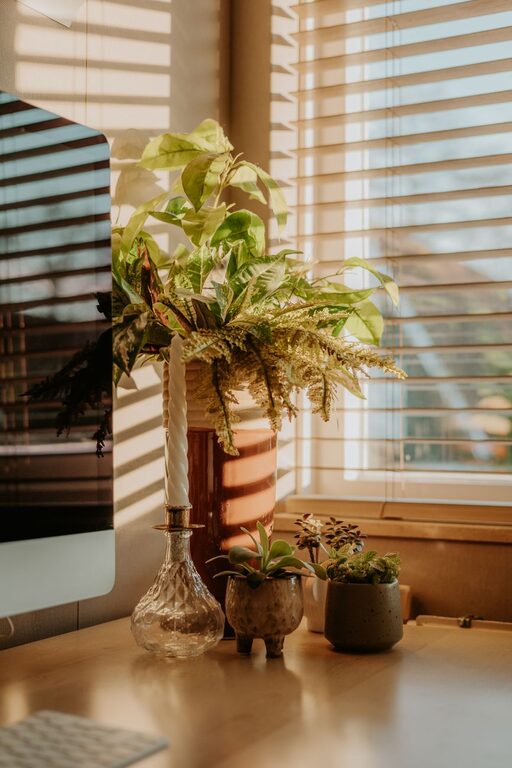
– A small area with motivational items such as photos, quotes, or plants.
Step 4: Use Effective Organizing Tools
Organizing accessories can keep everything in place and easy to find.
– Desk organizers: For pens, paper clips, sticky notes, and other small items.
– Cable management solutions: Clips or sleeves to keep cords tidy.
– File folders and labels: Help categorize and quickly access papers.
– Drawer dividers: Separate different items and avoid clutter.
Step 5: Develop Consistent Habits
Maintaining a clutter-free space requires daily effort and good habits.
Daily Habits
– Clear your desk at the end of each day.
– Put items back in their designated places after use.
Weekly Habits
– Review your paper piles and file or discard unnecessary items.
– Clean surfaces and dust electronics.
Step 6: Optimize Lighting and Ambiance
A well-lit, comfortable space enhances your ability to work effectively.
– Use natural light as much as possible.
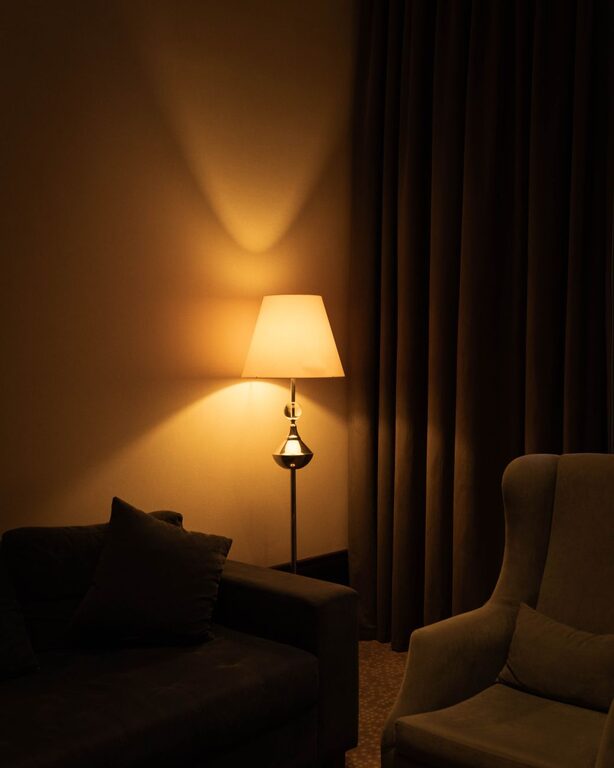
– Add task lighting such as a desk lamp for focused work.
– Choose calming colors and personalized décor to make your office inviting.
Bonus Tips
– Limit personal items on your desk to avoid distractions.
– Use vertical space effectively by hanging bulletin boards or whiteboards.
– Consider noise-canceling headphones if your home environment is noisy.
Conclusion
A clutter-free home office is achievable through thoughtful decluttering, selecting the right furniture, and developing organized habits. A well-arranged workspace can enhance productivity and make your workday more pleasant. Start small, and gradually build a system that works best for you. With these tips, your home office can become a neat and inspiring place to work.
About the Author