Creating a relaxing home workspace is essential for maintaining productivity and mental well-being, especially as more people work remotely or spend significant time at home. Your environment plays a key role in how motivated and focused you feel throughout the workday. If your workspace feels cluttered, uncomfortable, or uninspiring, it can be challenging to concentrate and complete tasks efficiently.
This guide offers practical tips to help you design a home workspace that promotes relaxation and boosts your productivity. Whether you have a dedicated office room or a small corner in your living space, these suggestions can help transform your area into a peaceful and functional zone.
1. Choose the Right Location
The foundation of a relaxing workspace starts with its location. Aim for a spot that offers:
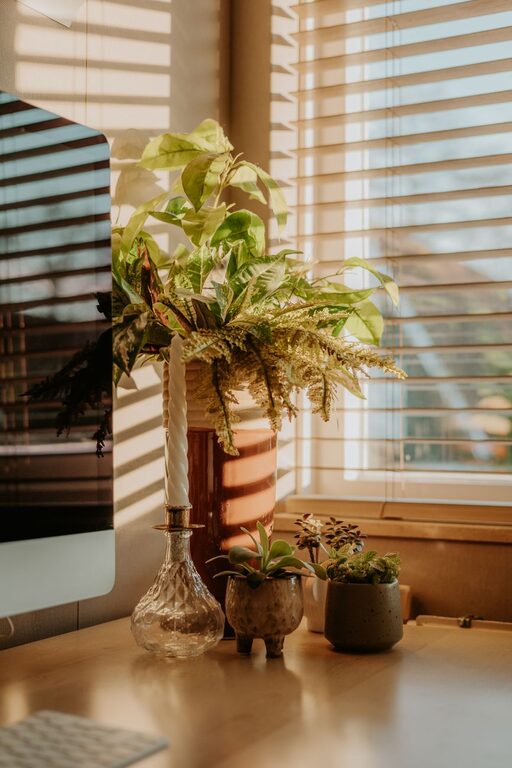
– Natural light: Position your desk near a window if possible. Natural light helps reduce eye strain and improves mood.
– Minimal distractions: Find a quiet area away from noise and foot traffic.
– Comfortable temperature: Ensure your workspace isn’t too hot or cold to help you stay focused.
If space is limited, consider using room dividers, curtains, or noise-cancelling headphones to carve out your ideal work corner.
2. Invest in Ergonomic Furniture
Comfortable furniture is crucial for relaxation and long-term productivity.
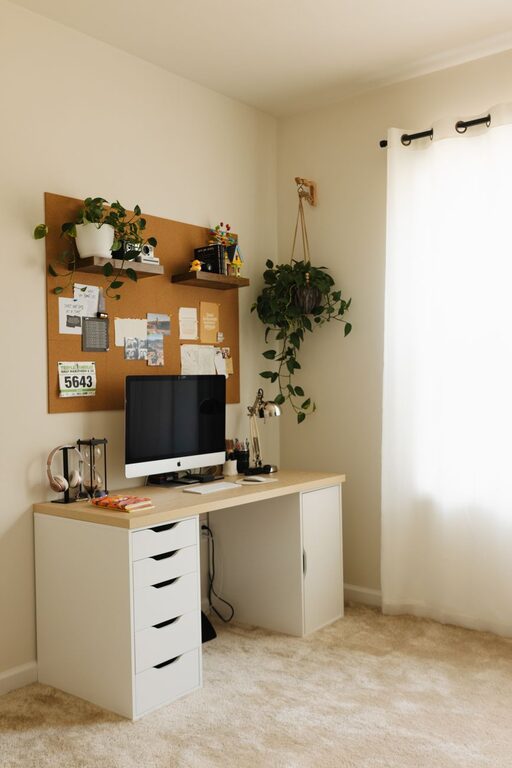
– Desk: Choose a desk with enough surface area for your computer, notebooks, and other essentials.
– Chair: An ergonomic chair that supports good posture can prevent discomfort and fatigue.
– Adjustable accessories: Footrests, monitor stands, and keyboard trays can help tailor your setup and reduce strain.
Sitting for long periods isn’t ideal, so consider options like a standing desk or a sit-stand converter to allow movement throughout the day.
3. Organize and Declutter
A clean and organized workspace helps clear your mind and reduce stress.
– Use storage solutions: Baskets, shelves, and drawer organizers can keep supplies tidy.
– Keep essentials nearby: Limit your desk items to what you need frequently to avoid clutter.
– Cable management: Organize cords with clips or sleeves to prevent tangled messes.
Make it a habit to tidy your workspace at the end of each day to start fresh the next morning.
4. Choose Soothing Colors and Decor
Colors and decor affect your mood and energy levels.
– Pick calming colors: Soft blues, greens, and neutrals tend to create a relaxing atmosphere.
– Add personal touches: Photos, plants, or artwork can make the space feel welcoming without overwhelming it.
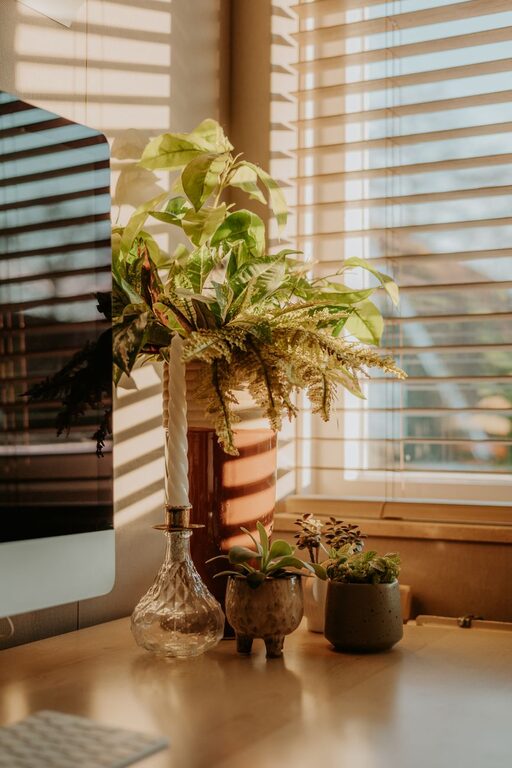
– Incorporate natural elements: Indoor plants improve air quality and add life to your workspace.
Avoid overly bright or distracting patterns that could interfere with concentration.
5. Manage Lighting for Comfort
Lighting impacts both your comfort and alertness.
– Combine sources: Use a mix of natural light, overhead lighting, and task lamps.
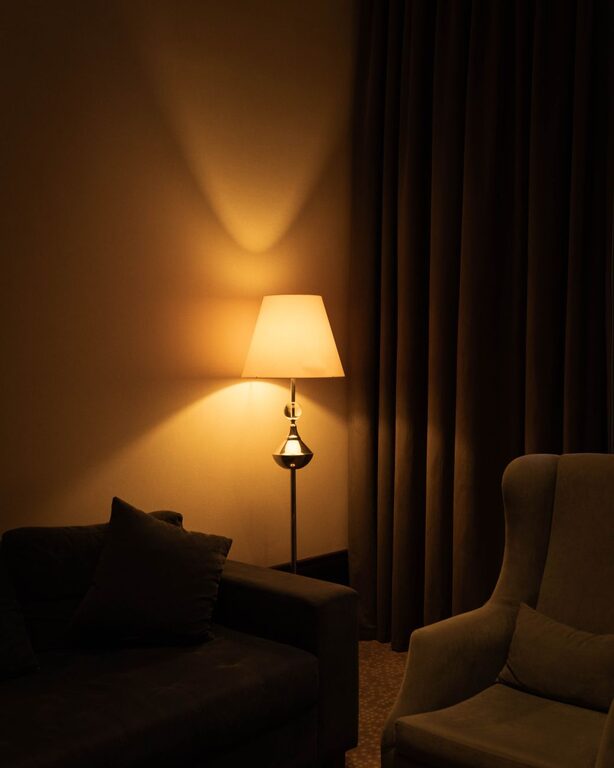
– Adjust brightness: Choose adjustable lamps or bulbs with dimming options to suit different times of day.
– Reduce glare: Position screens to avoid reflections and consider anti-glare screen protectors.
Soft, warm light in the evening can help ease you into relaxation after work.
6. Minimize Noise Distractions
Noise can disrupt focus, so managing sound levels is important.
– Use earmuffs or noise-canceling headphones: These devices can block unwanted noise.
– Add soft materials: Rugs, curtains, and cushions absorb sound and reduce echo.
– Play ambient sounds: Calming background music or nature sounds can help mask distracting noises and improve mood.
7. Incorporate Movement and Break Spaces
Taking short breaks and moving regularly keeps you refreshed.
– Designate a stretch area: Having space for simple stretches or light exercises encourages physical activity.
– Use reminders: Timers or apps can prompt you to stand, stretch, or take a quick walk.
– Take breaks away from your desk: Step outside or move to a different room to reset your focus.
8. Use Technology Wisely
Technology can enhance your workspace but also become a source of distraction.
– Keep devices organized: Use stands and holders to reduce clutter.
– Limit notifications: Turn off alerts that aren’t related to work.
– Optimize your setup: Use dual monitors, wireless keyboards, or other tools to streamline tasks.
Regularly disconnecting from work gadgets after hours helps maintain a healthy work-life balance.
9. Maintain a Consistent Routine
The way you start and end your workday influences your productivity.
– Set working hours: Define clear start and stop times to separate work from personal life.
– Create rituals: Simple habits like making coffee before starting or tidying your desk at the end can build focus.
– Stay hydrated and nourished: Keep water and snacks handy, but avoid cluttering your desk.
Conclusion
A relaxing home workspace isn’t just about aesthetics—it’s about creating an environment that supports both your mental and physical well-being. By thoughtfully choosing your location, investing in comfort, staying organized, and managing noise and lighting, you can build a space that encourages productivity without stress. Remember, small changes can make a big difference in how you feel and perform during your workday. Start with one or two tips and gradually customize your setup to fit your personal needs and style.
About the Author